← Chrome extensions
FirstCry Order Splitter
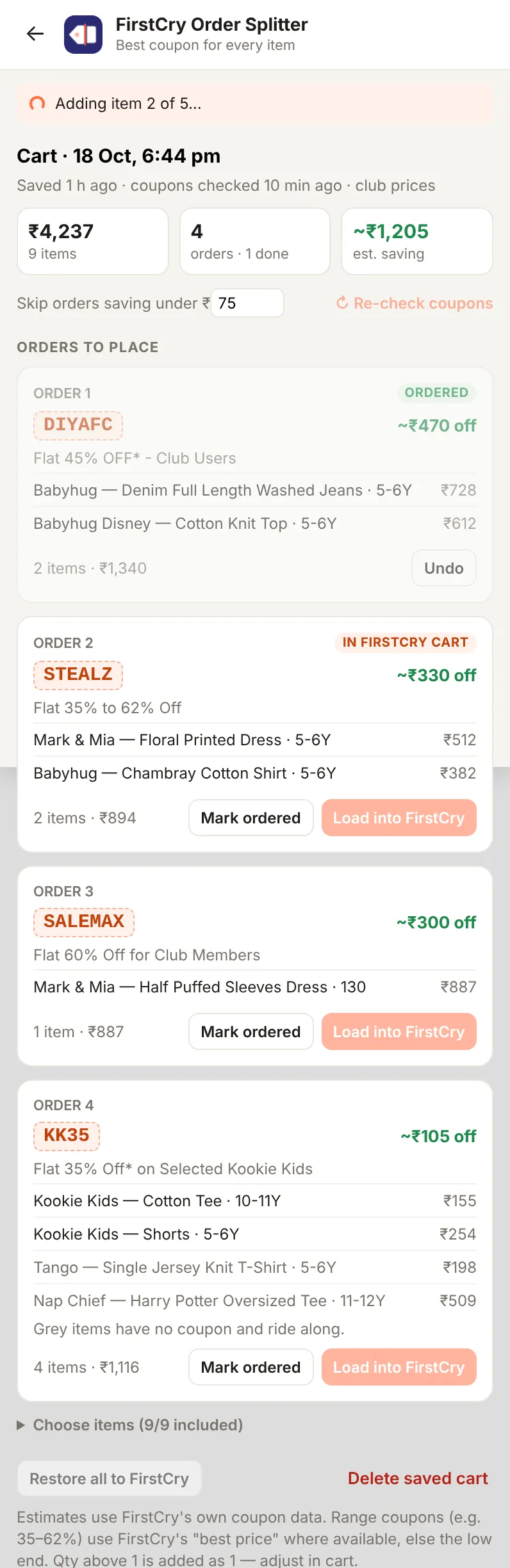
Split your FirstCry cart into orders so every item gets its best coupon.
- For Chrome on a computer
- Your data stays in your browser
- No analytics
Not affiliated with or endorsed by FirstCry.
Download for Chrome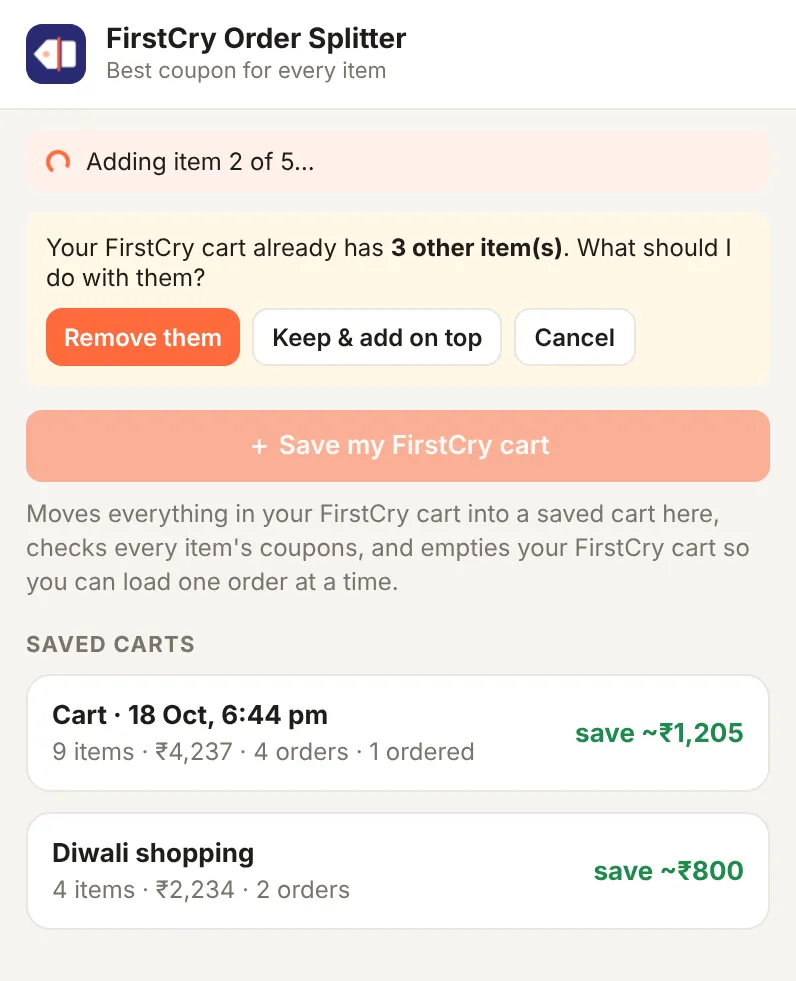
Download
How to install
- Tick the box and click Download. Unzip it: you get a folder called firstcry-order-splitter. Put it somewhere it can stay, like Documents. Chrome runs the extension from that folder.
- In Chrome, open chrome://extensions and turn on Developer mode (top right).
- Click Load unpacked and choose the unzipped folder. Pin the extension from the puzzle icon next to the address bar.
To update, delete the old firstcry-order-splitter folder, unzip the new download in the same place, and click ↻ on the extension in chrome://extensions. Keep the same folder name and place: Chrome finds the extension, and your saved data, by it.