← Mobile apps
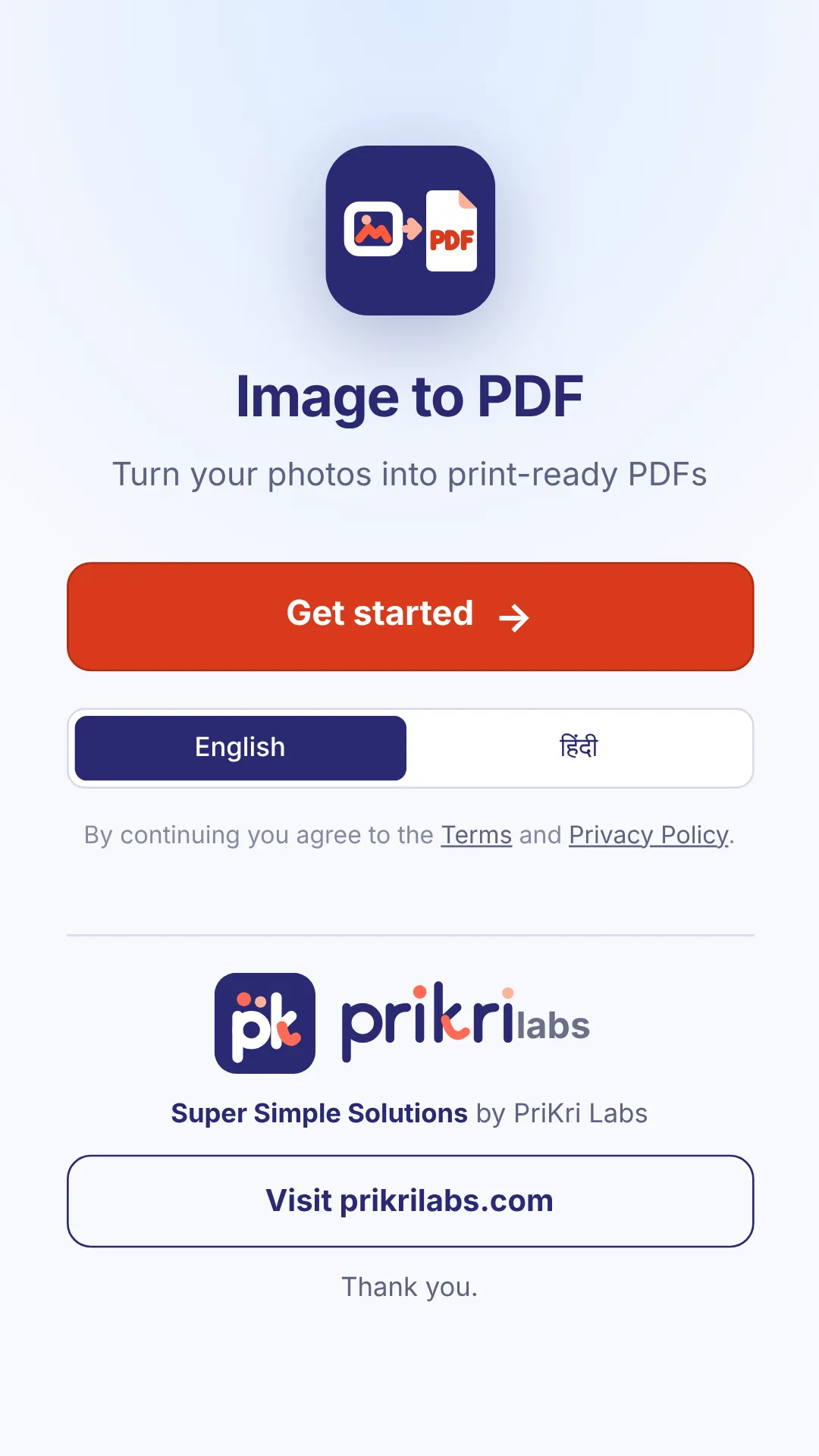
Image to PDF
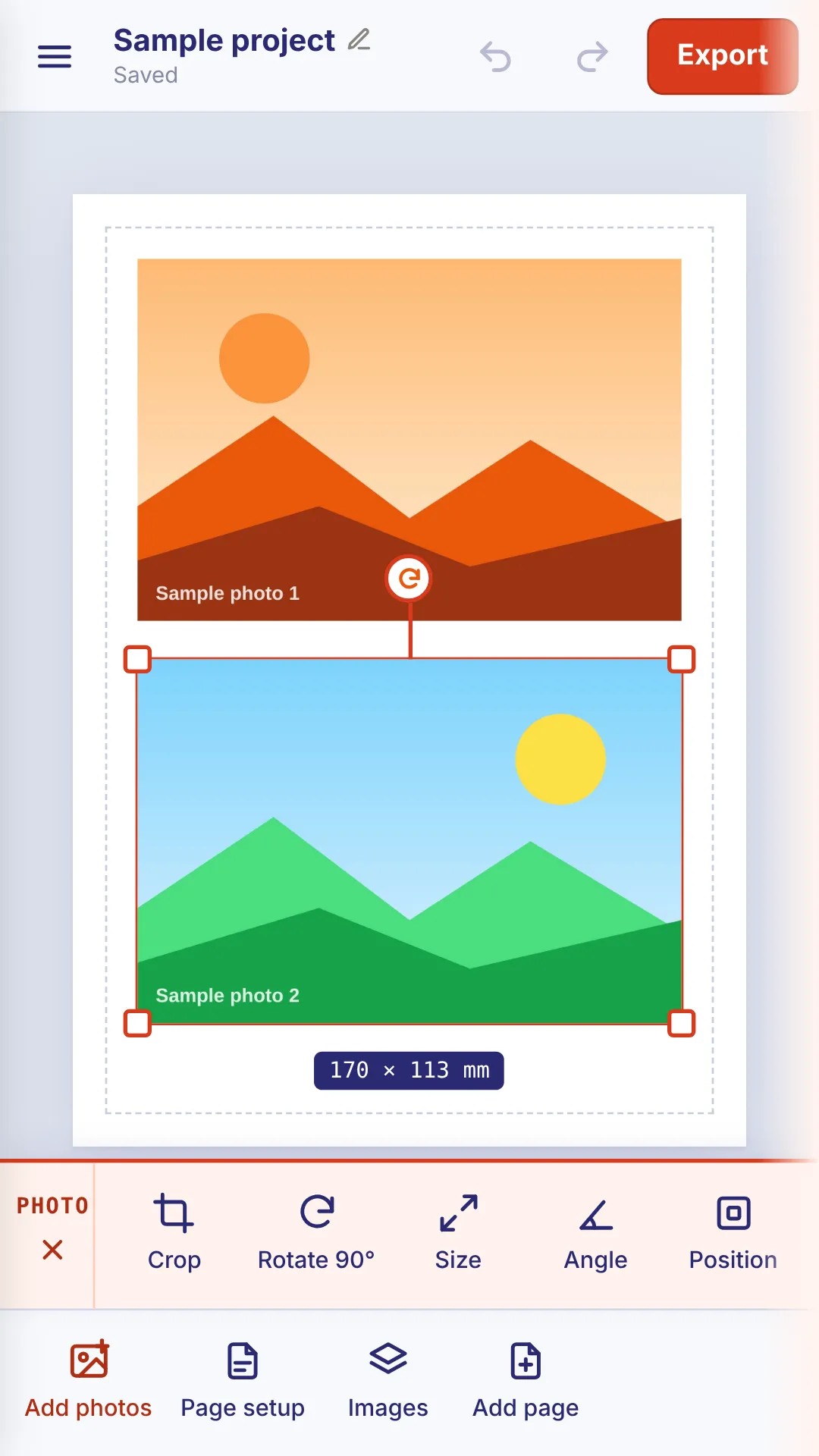
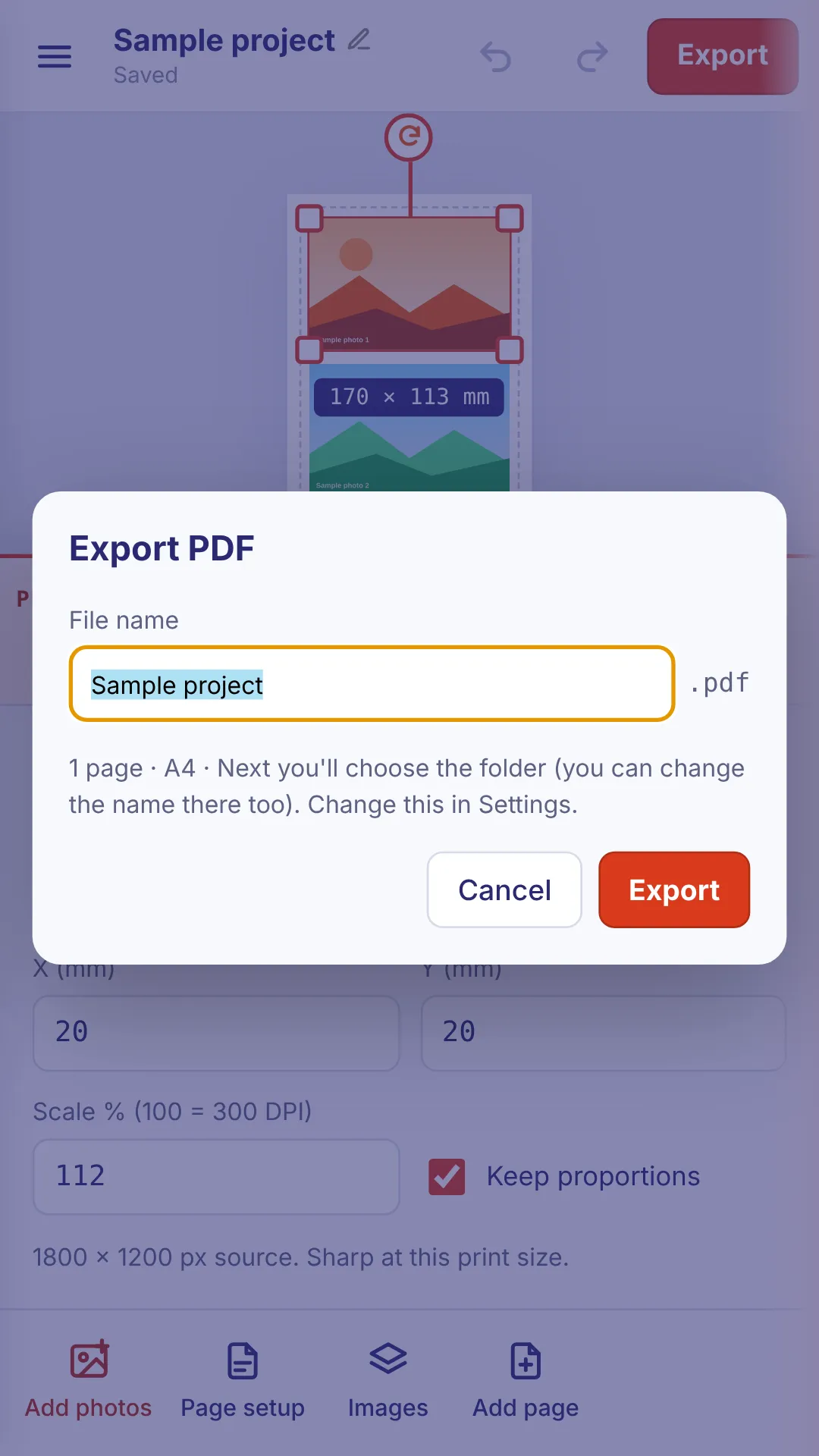
Turn your photos into neat, print-ready PDFs on your phone.
- Works offline
- No ads
- No sign-up
- English and Hindi
Download
iPhone: coming soon.
How to install
- Tick the box and tap Download. Chrome warns the file may be harmful, because it isn't from the Play Store. Tap Download anyway.
- Open the file. If your phone asks, turn on Allow from this source for Chrome, then go back. You only do this once.
- Google Play Protect asks to scan the app. Tap Scan app, then Install.
To update, download the new version and install it over the old one. Your drafts stay.